
Consolidate Client Ledgers Across QuickBooks, Xero and Sage
What actually consolidates across seven ledgers and what does not, with each API limit taken from the vendor documentation and linked.
Introduction
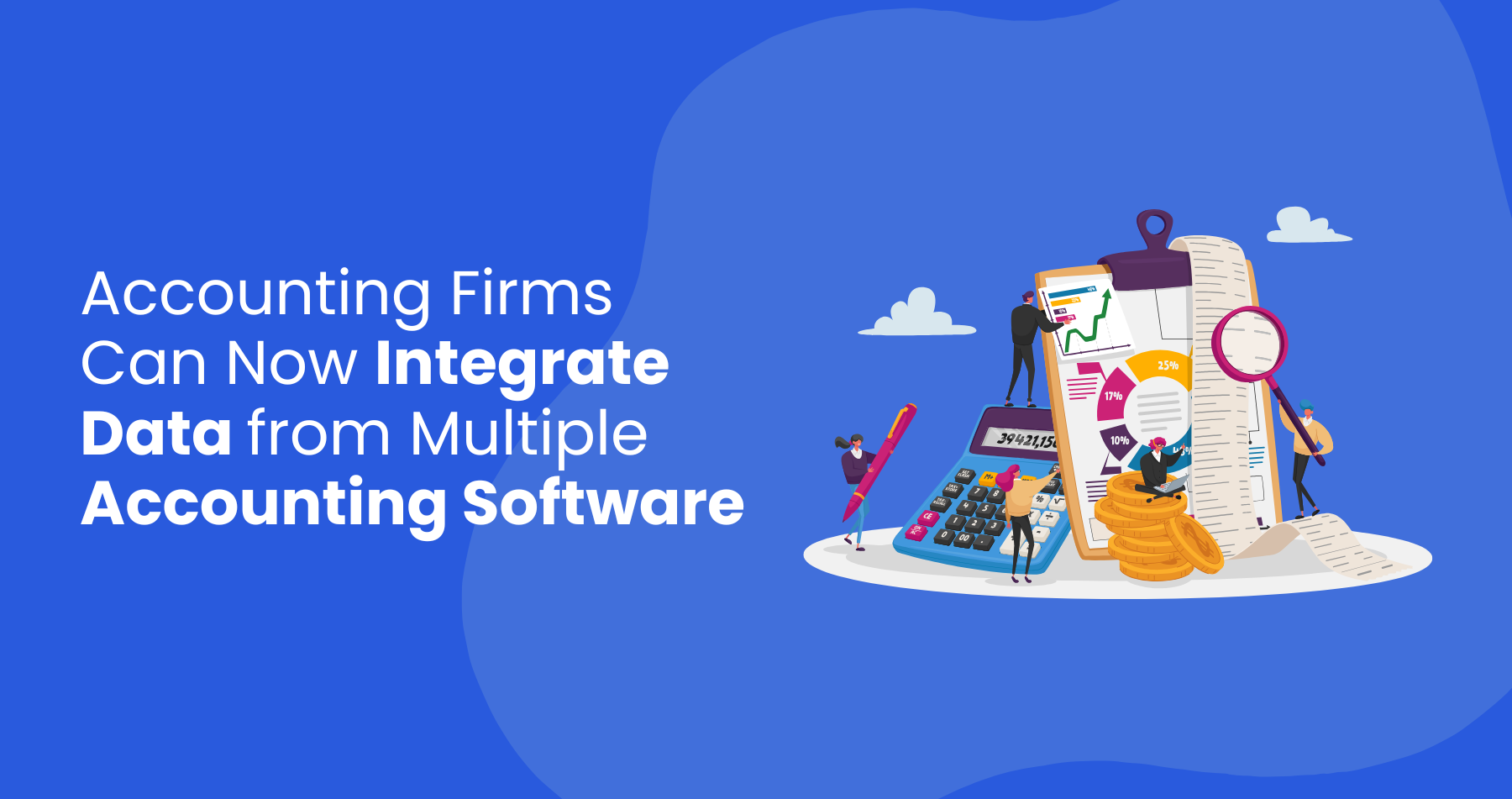
From QuickBooks and Xero to FreshBooks and NetSuite, companies have a wide range of automated accounting platforms to choose from. While this flexibility benefits individual businesses, it presents a major challenge for mid-size accounting firms that serve multiple clients. Each client may use a different platform, requiring accountants to constantly switch between software, learn new interfaces, and ensure accurate data management across multiple systems.
This fragmented landscape creates inefficiencies, slows down workflow, and increases the risk of errors. Manually reconciling data across platforms is time-consuming, and the lack of standardization makes collaboration and reporting more complex than necessary. As a result, accountants often spend more time managing technology than delivering strategic financial insights.
For mid-size firms, where resources are limited, this challenge is even greater. Unlike large firms that can afford dedicated software teams, mid-size firms must find a way to efficiently navigate multiple systems while maintaining accuracy and productivity. The need for an integrated solution, perhaps an AI-powered one, has never been greater. Why should accounting firms embrace AI-powered solutions though?
As an AI-powered conversational assistant designed for accountants, AccountsGPT seamlessly integrates with all major accounting software, eliminating the hassle of switching between platforms. By consolidating financial data into a single interface and automating routine tasks, AccountsGPT enhances efficiency, reduces errors, and allows accountants to focus on what they do best-delivering expert financial guidance to their clients.
Common Accounting Software Used by Companies
Businesses use various accounting platforms based on their size, industry, and specific needs. Some of the most widely used platforms include:
- QuickBooks: One of the most popular accounting software choices, especially among small and mid-sized businesses. It offers bookkeeping, payroll, invoicing, and tax management.
- Xero: A cloud-based accounting tool favored for its user-friendly interface and integrations with third-party applications.
- FreshBooks: Designed for freelancers and small businesses, FreshBooks simplifies invoicing, time tracking, and expense management.
- Zoho Books: Part of the Zoho suite, this software provides automation features for invoicing, tax compliance, and financial reporting.
- Sage: Known for its scalability, Sage serves businesses of all sizes, offering enterprise-level solutions alongside small business tools.
- NetSuite: An enterprise resource planning (ERP) solution that integrates accounting with broader business operations like inventory and customer relationship management (CRM).
- Other industry-specific or custom-built platforms: Many businesses use niche software tailored to their industry, such as construction, healthcare, or e-commerce accounting platforms.
Each of these platforms comes with its own learning curve, reporting structures, and data formats, making it difficult for accountants to manage multiple systems efficiently. While some of these platforms have started to integrate AI into their features, a proper AI assistant remains a need for accountants.
Will an AI-powered AI accounting assistant replace accountants? Absolutely not. However, accounting in 2025 will see a rise of AI in helping accountants stretched thin while trying to serve multiple clients. Most of these accountants are from mid-size accounting firms which are often short staffed and struggle to find skilled accountants.
Challenges for Mid-Size Accounting Firms
For mid-size accounting firms, handling multiple accounting platforms for different clients presents several major challenges:
Navigating different user interfaces and functionalities
Accountants must constantly adapt to different dashboards, workflows, and reporting tools, slowing down processes and increasing the potential for errors.
Increased risk of errors and inefficiencies
Manually transferring data between platforms can lead to inconsistencies, miscalculations, and compliance issues. Not all accountants are trained or familiar with the various accounting tools used by businesses. This further puts mid-size accounting firms under pressure to find more talent and train them.
Time-consuming manual reconciliation
Ensuring that financial data from multiple sources aligns correctly takes up valuable time that could be spent on advisory services or client engagement.
Reduced productivity and client service quality
Instead of focusing on strategic financial insights, accountants spend excessive time on administrative tasks, reducing their ability to provide value-added services.
Compliance and regulatory challenges
Different accounting platforms have unique compliance features, requiring accountants to stay updated on various tax laws and financial regulations.
The inability to streamline processes across platforms leads to delays, higher operational costs, and a greater risk of financial discrepancies.
Accounting Tasks and the Challenges of Multiple Platforms
Accountants perform a variety of essential tasks for their business clients, ranging from basic bookkeeping to complex financial analysis and regulatory compliance. These tasks include:
- Bookkeeping: Recording financial transactions, categorizing expenses, and managing accounts payable/receivable.
- Tax Preparation and Compliance: Calculating tax liabilities, filing returns, and ensuring adherence to local and international tax laws.
- Financial Reporting: Generating income statements, balance sheets, and cash flow reports for decision-making and regulatory compliance.
- Payroll Management: Processing salaries, deductions, benefits, and ensuring tax compliance for employees.
- Budgeting and Forecasting: Analyzing financial trends to project future revenue and expenses.
- Audit and Assurance: Conducting financial audits to verify accuracy and compliance with accounting standards.
When accountants work with multiple clients using different accounting software, these tasks become significantly more complex. Each platform has unique reporting styles, transaction categorizations, and compliance settings, requiring accountants to manually adjust workflows for every client. The lack of standardization means accountants waste time toggling between systems, reconciling data discrepancies, and ensuring compliance across multiple platforms. This inefficiency not only increases the risk of errors but also limits an accountant’s ability to provide timely insights and strategic financial guidance.
How AccountsGPT Solves These Problems
AccountsGPT is a conversational bot for accountants. It is familiar for those who are used to ChatGPT, but ChatGPT for accounting isn’t always the right tool. AccountsGPT is designed to eliminate the inefficiencies caused by managing multiple accounting software. It provides:
- Integration with all accounting software: AccountsGPT connects with platforms like QuickBooks, Xero, Sage, and more, pulling data from different sources into a single unified interface.
- Consolidation of financial data: Instead of logging into multiple systems, accountants can access and analyze data in one place, ensuring consistency across reports and reducing manual effort.
- Automation of repetitive accounting tasks: AccountsGPT can handle reconciliations, categorize transactions, generate financial reports, and even respond to queries using natural language processing.
- Improved efficiency, accuracy, and productivity: By reducing the time spent switching between platforms, accountants can focus on high-value tasks such as financial forecasting and business strategy. Audit trail and exception log: the agent records what it changed, why, and what it could not resolve, so the reviewer signing the work has the evidence in front of them. The signature, the judgment and the liability stay exactly where they legally sit, with the licensed professional.
AccountsGPT greatly speeds up and organizes the aforementioned accounting tasks with further capabilities for more complex processing in the works.
Conclusion
The accounting industry is evolving, and firms that fail to adapt risk falling behind. As businesses continue to use diverse accounting software, mid-size firms must find ways to simplify their workflows without compromising accuracy or compliance. AI-powered automation is the future of accounting, offering a solution to the software overload that accountants face today. This does not mean that accountants will lose their jobs to AI or accounting automation.
AccountsGPT is more than just a chatbot-it’s an intelligent financial assistant that transforms the way accounting firms operate. By integrating multiple accounting platforms into a single system, automating routine tasks, and improving efficiency, AccountsGPT allows accountants to focus on what truly matters: providing expert financial guidance to their clients.
Mid-size firms no longer have to struggle with software overload and stay ahead in an increasingly competitive industry.
The ledger connector matrix
Every cell comes from the vendor's own developer documentation, linked under the table. Where a vendor publishes no number, this says so rather than guessing.
| Ledger | What the API exposes | What it will not let you write | Rate limit | Token lifetime |
|---|---|---|---|---|
| QuickBooks Online | REST v3 CRUD. Query is not SQL: no JOIN, no OR inside a WHERE clause, no GROUP BY, one entity per query. 1,000 rows per response, 100 if you do not ask. | You must supply Line.Amount, and it must equal Qty times UnitPrice or the call fails with error 6070. TotalAmt and Balance are calculated by QuickBooks and any value you supply is overwritten. Accounts go inactive, never deleted. | 500 per minute per company, batch requests included, and 10 concurrent. Published in Intuit's help knowledge base rather than the API reference. | Access 60 minutes. Refresh 100 days, rolling, but the value rotates every 24 hours and the previous value expires at once. Hard stop at five years. |
| QuickBooks Desktop | No cloud endpoint. qbXML through the Web Connector on the client's own Windows machine. Iterators are valid only for the application that started them and only for the current QuickBooks session. | Rate and Amount cannot both be sent. QuickBooks ignores your Rate, back calculates it as Amount divided by Quantity, and writes a warning to the log file. Amount, Rate and Quantity cannot be cleared. | Not published. The scheduler floor the user sees is 1 minute, the user can override the interval you request, and nothing runs at all while the Web Connector is closed. | No OAuth and no token. The QuickBooks admin authorizes the app against the company file and can restrict it, including withholding sensitive financial data. |
| Xero | REST CRUD on invoices, bills, contacts, accounts, manual journals. The Journals ledger feed is GET only, starts at the Advanced tier, and needs a security assessment plus use case approval. | An approved invoice, status AUTHORISED, cannot be deleted, only voided. On an update, lines sent without their LineItemID are deleted and recreated, and an existing line you leave out is deleted. System accounts and accounts used on transactions cannot be deleted. | 60 per minute and 5 concurrent per tenant. 1,000 per day on starter, 5,000 on higher tiers. 10,000 per minute across all tenants. | Access 30 minutes. Refresh 60 days, rotated on every refresh, with the old token usable for a 30 minute grace period. |
| Sage Intacct | XML web services posted to a single gateway that then issues a session specific endpoint, plus a REST API. Docs advise queries under 1,000 records and writes under 100. | You cannot update a transaction line directly, only the header. On a journal entry update, supply only the lines you want to keep, because anything omitted is deleted. An entry needs at least two lines. | No per minute figure. Tiers set monthly API transactions and concurrency as application over company. Tier 1 is 100,000 and 6/8. Overage is billed, not blocked. | Not published. Sample responses return expires_in of 43,200 seconds in some places and 28,800 in others, so read it from the response. Revoking one token revokes the rest for that user and company. |
| NetSuite | REST record service, SuiteQL, and SOAP SuiteTalk. 1,000 results per page across at most 1,000 pages, and offset must be divisible by limit. | In a period closed in an impacted accounting book, a general ledger impacting change is refused and NetSuite names the book that blocked it. Fields with no general ledger impact, such as a memo, still save. | Concurrency, not calls per minute: Standard 5, Premium 15, Enterprise 20, Ultimate 20, plus 10 for each SuiteCloud Plus license. | Access 60 minutes. For public clients the refresh token defaults to two days and is single use, settable between 1 and 720 hours. |
| Zoho Books | REST v3. Full journal CRUD plus mark published and reverse, chart of accounts, and transaction locking for closed periods. | An account associated with any transaction or product cannot be deleted. | 100 per minute per organization. Daily by plan, from 1,000 on free to 10,000 on the top plans. 5 concurrent on free, 10 as a soft limit on paid. | Access 1 hour. Refresh tokens do not expire until revoked, but only 20 are kept per user, and the 21st deletes the oldest whether or not it is in use. |
| FreshBooks | REST invoices, expenses, payments, and adjustment journal entries. Chart of accounts and general ledger come back as reports. Lists return at most 100 results whatever you set per_page to. | No documented create or update for accounts. Including vis_state in a PUT throws away the rest of your data silently. | No number published and no daily cap. The docs say only that requests are rate limited if too many are made in a short period. | Not published. Read the expiry from the token. Refresh tokens live forever but are one time use, and only one is alive per user per application. |
All of the above was checked on September 4, 2026. One caveat to carry into a meeting: the Intuit throttling figures live in Intuit's help knowledge base, not in the developer API reference, and that knowledge base did not render for direct inspection on the date above, so confirm the numbers before you build a queue around them. Limits move in general. The vendor doc is the authority, so if a number here disagrees with the doc, the doc is right and this table is stale.
Sources: QuickBooks Online queries, invoice, account, error codes, OAuth 2.0, token FAQ, call limits. QuickBooks Desktop SDK Programmer's Guide, Web Connector guide. Xero limits, auth flow, invoices, accounts, journals, tracking categories, multicurrency. Sage Intacct tiers, OAuth, web services, journal entries. NetSuite concurrency, tokens, paging, closed periods. Zoho Books call limits, OAuth, OpenAPI spec. FreshBooks limits, authentication, vis_state, chart of accounts, journal entries.
Where the fields stop matching
The line amount. One invoice line, three ledgers, three different contracts.
QuickBooks Online requires Amount on the line and rejects the call with error 6070, "the amount isn't equal to the Qty * UnitPrice", if your figure disagrees with its own. Your rounding has to match theirs to the cent.
QuickBooks Desktop forbids exactly what QuickBooks Online requires. Its guide says that giving rate and amount in the same request is not permitted, that the rate you supply is ignored, and that QuickBooks recalculates the rate as Amount divided by Quantity. It records that as a warning in a log file on the client's machine rather than returning it to you. Send only Quantity and it prices the line itself from the item record.
Xero defines LineAmount as Quantity times Unit Amount, then reduced by the discount rate if one is set.
So the same line is your responsibility in one ledger, forbidden in the second, and derived in the third. Code written against any one of them quietly corrupts the other two.
The account code. QuickBooks Online caps AcctNum at 7 characters in the US, UK and India, but allows 20 in Australia and Canada, so the same firm's own template breaks when a client incorporates elsewhere. Xero allows an alphanumeric Code up to 10 characters. Zoho Books takes a free form account_code. FreshBooks returns account_number inside a report. There is no shared key across the seven ledgers, so name matching becomes the fallback, and names are exactly the thing bookkeepers change.
Silent failure. FreshBooks states it plainly: put vis_state in a PUT call, even with the value it already had, and it throws away the rest of the data silently. QuickBooks Online overwrites TotalAmt and Balance with its own calculation regardless of what you send. Both return success. Correctness has to be proven by reconciling numbers afterwards, not by checking status codes.
Dimensions. Xero publishes a hard ceiling: a maximum of two active tracking categories per organization, and any line item carries at most two. QuickBooks Online offers Class and Department. A client who tracks three things in one ledger has nowhere to put the third in Xero, and because the cap is published rather than incidental, no amount of engineering moves it.
What a 200 client practice can and cannot get in one report
What consolidates cleanly is anything that is only a number, a date and an account. Trial balance totals, AR and AP aging buckets, and cash position fall out reliably. Where the vendor publishes a report endpoint, and QuickBooks Online and FreshBooks both do, read the ledger's own answer instead of rebuilding it from transactions and hoping you match.
What does not consolidate cleanly is meaning. Two clients can both have an account named Repairs, one using it for vehicle costs and the other for building maintenance, and no API field tells them apart. Tax does not travel either. QuickBooks Online caps taxable transactions at 750 lines, and Xero marks invoices with US automated sales tax as read only, so a group tax summary across jurisdictions is an interpretation, not a sum.
Multi currency quietly produces two different right answers. Xero states that CurrencyRate is always foreign currency per base currency, warns that a number of integrations have supplied the inverse, and says that if you omit the rate Xero picks one for you from XE.com or the organization's own daily rate. Rates are generally rounded to six decimal places and amounts to two. QuickBooks Online calculates HomeTotalAmt with its own business logic. Two clients with the same invoice on the same day can enter your consolidation at different base currency values, both correct in their own books.
Before any of that, the connections rot on their own. Xero refresh tokens expire after 60 days. A QuickBooks Online connection dies if it goes 100 days unused and dies anyway at five years. A NetSuite public client refresh token defaults to two days. Zoho Books keeps only 20 refresh tokens per user and silently drops the oldest when a twenty first arrives, in use or not. A QuickBooks Desktop client syncs only while the Web Connector is actually running on their PC, so a client who shuts down for two weeks is simply absent from your consolidation, with nothing in your logs to say the data is stale rather than unchanged. Connection monitoring is a standing job, not a launch task.
Here is the part nobody quotes for. The connectors are not the expensive piece. The expensive piece is mapping each client's chart of accounts onto one group chart, and that is a judgment exercise done once per client by someone who understands both sets of books. For a 200 client practice that is 200 mapping exercises, and it is the line item that decides whether the project pays back.
It is also the part that decays. A client renames an account and the ID does not change, so nothing in the API tells you the meaning moved. A bookkeeper deletes and recreates an account instead of editing it and the ID does change, under a mapping that still looks valid. Someone adds a second Xero tracking category and new dimension values arrive with nowhere to go. A client shifts fiscal year end and your period comparisons stop lining up. None of this raises an error, which is why a consolidation needs a review step and not just a sync.
Three things worth saying plainly, because they make this project look more expensive rather than less.
The mapping review never ends. It is a permanent line in your operating budget, not a one time build cost. Anyone quoting you a single integration fee is quoting the first year.
An AI agent does not remove the judgment. It can watch for drift, propose a mapping and explain its reasoning, which is most of the labor. Somebody who knows both sets of books still has to accept or reject it, every month, forever. We have not found a way around that, and we would say so if we had.
And some firms should not build this. If your partners do not already agree on what the group chart of accounts should be, the mapping layer will encode that disagreement 200 times and you will relitigate it every close. Settle the chart first. If the reporting you actually need is per client rather than across clients, a connector per ledger is a great deal of machinery to deliver a report each ledger already prints for free.
If you do build it, the shape that works is unglamorous: a connector per ledger, one group chart, an explicit per client mapping the firm owns and can inspect, a drift report that names which client broke it this month, and a connection health check that tells you the difference between a client whose numbers did not change and a client whose ledger you stopped reading three weeks ago.
Thirty minutes, no commitment. We map one workflow, make the build or buy call, and scope the smallest thing worth shipping.
Frequently asked questions
What is AccountsGPT and what does it do for accounting firms?
Why is managing multiple accounting platforms a problem for mid-size firms?
Which accounting software does AccountsGPT integrate with?
Will AI accounting assistants replace accountants?
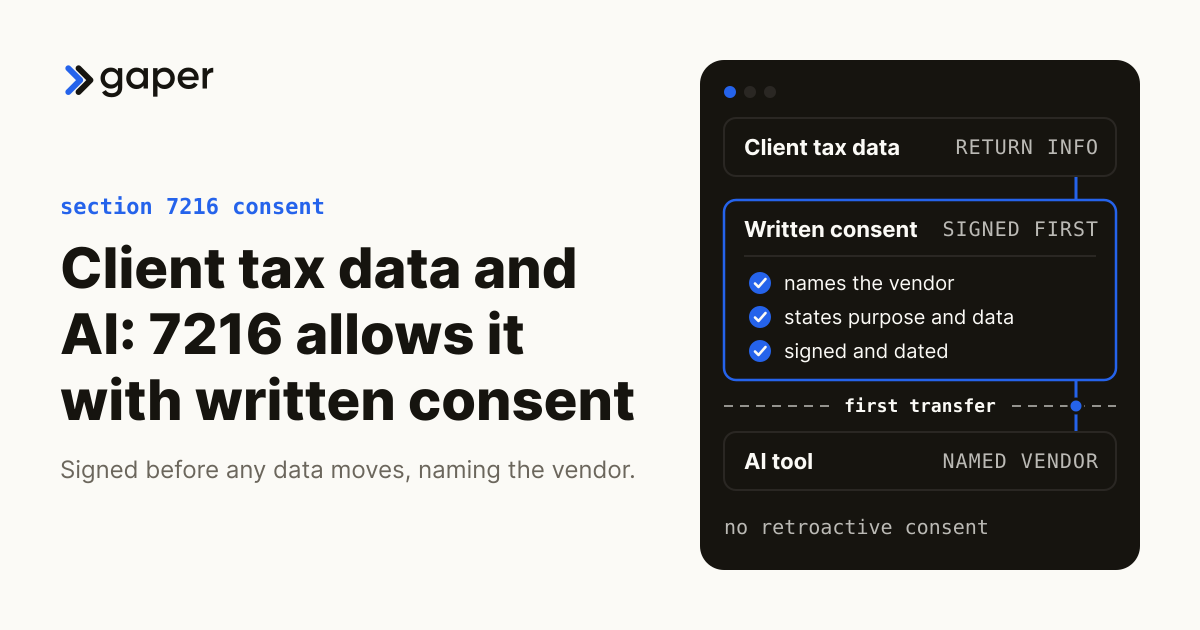
Can You Send Client Tax Data to an AI Tool? Section 7216 Says Yes, With Consent
IndustryHow AI Agents Are Reshaping Customer Support Teams
AI agents are changing how support teams work, not by replacing them, but by absorbing repetitive tickets. Here's what production deployment actually takes.
May 4, 2026AI agentsAgentic AI Trends to Watch in 2026: From Pilot to Production
The agentic AI trends that matter in 2026 are about getting agents to production: evals, memory, governance, and ROI inside real workflows.
Apr 28, 2026Ready to turn AI into execution?
Book a free assessment of one workflow. We map it, make an honest build versus buy call before any code, and if an off the shelf product covers the job we will tell you so.