
AI Tools for Law Firms: What to Buy and What to Build
AI tools for law firms by category: research, contract review, e-discovery, intake and copilots, the vendor questions to ask, and when to build instead.
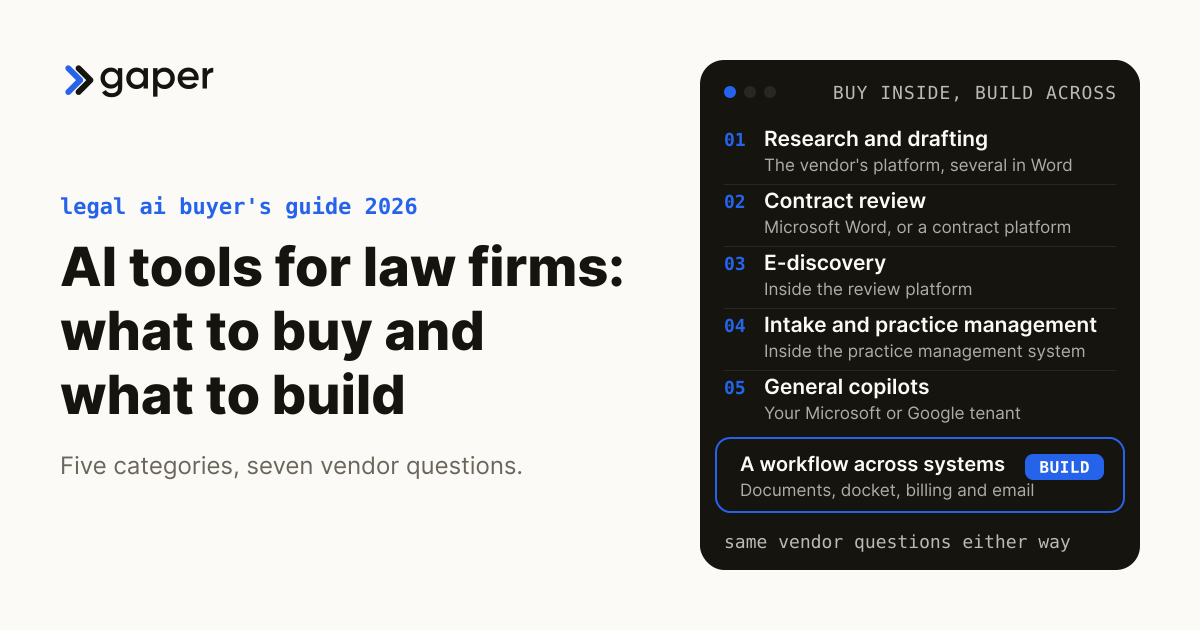
AI tools for law firms fall into five categories: research and drafting assistants, contract review, e-discovery, intake and practice management AI, and the general copilots already inside Microsoft 365 or Google Workspace. Buy a tool when the work lives inside one vendor's content or platform, and build only when a workflow crosses systems your licensed tools do not connect. Whichever you choose, the confidentiality questions are the same, and the answers belong in the contract rather than on a product page.
What are the main categories of AI tools for law firms?
Five, each doing a different job in a different system: research and drafting, contract review, e-discovery, intake and practice management, and general copilots. Most firms end up with several, so the real choice is which job each tool owns.
| Category | The job it does | Examples | Where it runs |
|---|---|---|---|
| Research and drafting | Answers legal questions and drafts from legal content | CoCounsel Legal, Harvey, Lexis+ with Protégé, Vincent and Clio Work | The vendor's platform; several also run in Word |
| Contract review | Reviews and redlines agreements against a playbook | Harvey Contract Intelligence, Luminance, Spellbook | Microsoft Word, or a contract platform |
| E-discovery | Codes, summarizes and searches review sets | Everlaw AI, Relativity aiR | Inside the review platform |
| Intake and practice management | Captures leads, extracts deadlines, drafts bills and summaries | 8am IQ for MyCase, Clio Grow and Clio Manage, Smokeball Archie | Inside the practice management system |
| General copilots | Email, meetings, summaries of firm documents | Gemini in Google Workspace, Microsoft Copilot | Your Microsoft or Google tenant |
Product details were checked on each vendor's own site on 14 October 2026; recheck before you sign. Products are listed alphabetically, not ranked.
For its 2026 AI in Professional Services Report, the Thomson Reuters Institute surveyed 1,514 legal, tax, risk and government professionals in October and November 2025: 57 percent personally use publicly available tools such as ChatGPT, 44 percent use enterprise tools such as Microsoft Copilot, and 31 percent use paid industry-specific products. Thomson Reuters sells legal AI and screened respondents for AI familiarity, so treat the figures as a signal. Tools the firm never approved are a policy problem, covered in our guide to shadow AI in law firms.
What should you ask every legal AI vendor before client data goes in?
Who can see what you put in, whether it trains anything, how long it is kept and where, what happens when you leave, and how access is enforced per matter. Get each answer in the contract, because a product page can change without notice.
ABA Formal Opinion 512, issued 29 July 2024, sets the baseline: read and understand a tool's terms of use, privacy policy and related contract terms, or consult someone who has. It interprets the ABA Model Rules, which bind only where a state has adopted them, and ABA opinions are advisory. This is information, not legal advice. Seven questions turn its diligence list into a vendor meeting:
| Ask the vendor | Why it matters | A good answer |
|---|---|---|
| Is our data used to train any model, yours or a provider's? | Training can carry one client's information into another matter | A no-training term covering every sub-processor |
| What is retained, where, and for how long? | Logs and chat history hold client information | A retention schedule, a named region, deletion on request |
| What happens to our data, playbooks and prompts when we leave? | Opinion 512 asks whether a provider keeps data after termination or claims rights in it | Export, then certified deletion |
| How is access enforced per matter and per user? | An index built under one service account reads across ethical walls | Permission checks at query time |
| Will you tell us about a breach or a subpoena for our data? | Opinion 512 lists notice of breach and of service of process | A contractual notice duty with a deadline |
| Which models and sub-processors touch our data, and where? | Providers and regions change | A published list, with notice of changes |
| Can we export a log of what the AI did? | Supervision under Model Rules 5.1 and 5.3, and possible discovery | Per-user logs of inputs, outputs and sources |
Vendor-site promises such as zero data retention are a starting point; ask for the clause that makes each one binding.

What do legal research and drafting assistants actually do?
They answer research questions and draft documents grounded in a legal publisher's content, and increasingly in your own firm's documents. The content is what you are paying for, so the choice usually follows the research subscription your lawyers already trust, not the model underneath.
- CoCounsel Legal (Thomson Reuters) reasons from Westlaw, Practical Law and your organization's own knowledge and runs agentic multi-step work, Thomson Reuters says, and never uses customer data to train the underlying models.
- Harvey sells purpose-built agents, a document store called Vault, a research product called Knowledge, and shared Spaces for work across organizations. Its security page says it hosts on Microsoft Azure, does not train models on customer inputs or documents, and requires zero data retention from its model providers.
- Lexis+ with Protégé (LexisNexis) is the former Lexis+ AI, renamed in February 2026. LexisNexis says it connects to iManage, SharePoint and NetDocuments, checks citations inside AI answers with Shepard's Verify, and never uses customer data to train AI models, though the same page says it removes identifiable information from AI interactions to improve performance, and its FAQ limits the promise to public models. Ask what that covers.
- Vincent and Clio Work (Clio) pair Vincent's legal research with matter context from Clio Manage. Clio says Vincent pulls files from iManage, NetDocuments, SharePoint and Google Drive, and that Clio Work drafts in its own workspace or in Microsoft Word, with client files processed under zero data retention agreements.
Test every accuracy claim on your own matters. One independent check, a Stanford study accepted by the Journal of Empirical Legal Studies in March 2025, ran its queries in spring 2024 on versions the vendors have since updated, including Lexis+ AI before its rename. Its 17 to 33 percent hallucination range for the LexisNexis and Thomson Reuters tools it tested is a reason to verify, not a current score. Vendor return figures need the same care: LexisNexis cites a Forrester study it commissioned. Our guide to prompt engineering for lawyers sets out a citation gate to run before anything reaches a court.
How should a firm choose a contract review tool?
By where your lawyers negotiate. A Word add-in suits firms reviewing one agreement at a time against a playbook, while a contract platform suits clients who need answers across thousands of signed agreements. Either way the playbook is the firm's asset, so ask how you get it back out.
- Harvey Contract Intelligence, part of the wider Harvey platform, is pitched at faster routine reviews, sharper negotiations and insights across a contract portfolio.
- Luminance positions itself as contract intelligence for a whole enterprise, serving procurement and finance as well as legal.
- Spellbook says it redlines inside Microsoft Word, reviews against saved playbooks, offers a multi-document agent called Associate, and connects to iManage, SharePoint, OneDrive and Google Drive. Its pricing page says price depends on team size and is quoted after a demo.
One detail needs a policy decision: Spellbook's review page says edits appear under your name, so the counterparty sees you, not the tool. Your disclosure policy should say whether that is acceptable, and the record of which tool touched which document must sit outside the tracked changes.
Where does AI fit in e-discovery?
Inside the review platform you already license. Relativity and Everlaw both run AI on data already in their platforms, so nothing has to be exported to a separate tool. The buyer's job is validation: a sample your lawyers coded first, and a record of what the AI did that you could defend.
- Everlaw AI includes Deep Dive for natural-language questions across a matter, Coding Suggestions for first-pass review with a justification per document, and Review and Writing Assistants. Everlaw's AI governance framework says it does not build its own LLMs and sends customer data to outside LLM providers that commit to zero data retention, so ask which providers process your review data, and where.
- Relativity aiR, the name Relativity now gives its platform, brings AI to data where it already lives instead of copying it out, Relativity says, and opens the platform to outside AI applications through the Model Context Protocol and a REST API.
AI activity is now evidence too. Relativity lists enterprise AI tools among the sources it collects from, and Microsoft documents that Copilot prompts and responses are stored and searchable by administrators through Microsoft Purview. How courts have treated AI chats so far is in our analysis of the Heppner ruling.
What can intake and practice management AI do on its own?
Capture, sort and draft, with a person approving anything that commits the firm. Between them, Clio, MyCase and Smokeball build AI into practice management for after-hours lead capture (Clio Grow), deadlines from court documents and draft invoices (Clio Manage), and document summaries (all three).
- 8am IQ for MyCase summarizes documents, searches case files with citations and helps with writing. MyCase says it is included with the MyCase Advanced plan at no extra cost.
- Clio Grow describes AI that answers phone and email after hours, screens leads for fit and conflicts, and books qualified prospects into appointments. Clio Manage extracts deadlines from court documents beside the source, routes draft invoices to approvers and drafts client updates; Clio says nothing is finalized without the user's consent.
- Smokeball Archie drafts and answers questions inside the matter, in Smokeball, Word and Outlook. Smokeball says Archie is visible only to staff already assigned to that matter.
A lawyer still clears every conflict and accepts every matter. Florida Bar Ethics Opinion 24-1, issued 19 January 2024 and marked advisory (reprinted in the Bar's technology ethics packet), says prospective clients must be told they are dealing with an AI program. Check your own state's rules. Our legal AI agents page covers the wider intake and conflicts rules; in practice, confirm any AI receptionist says it is AI at the start, by voice as well as chat.
Should a firm just use Microsoft Copilot or Gemini?
For general work, often yes, because it runs inside your tenant and may already be in your plan. Microsoft and Google both say their copilots show users only content they can already open, which makes your file permissions the real control. An ethical wall that lives in a memo but not in SharePoint or Drive permissions will not hold.
Microsoft 365 Copilot is now simply Microsoft Copilot. Its privacy documentation, last updated 18 August 2026, says Copilot surfaces only data a user can at least view, and that prompts and responses are not used to train foundation models. It also notes that Anthropic models inside Copilot are currently excluded from the EU Data Boundary. Google's Workspace privacy hub says Gemini follows your existing controls and does not train on your content outside your domain without permission.
What a general copilot lacks out of the box is legal authority: no citator and no editorial legal content. Use it for email, meetings and firm documents, not for anything cited to a court.
Where do off-the-shelf tools stop?
Usually at the edge of the platform they run in or connect to. A workflow that needs the document system, the docket, billing and email in one pass, with each lawyer's access rules carried through, is where a firm starts to need its own agent.
Reference build: illustrative, not a client engagement. Take a weekly client status update for a litigation group. The facts sit in four places: the document system, the docketing calendar, billing and Outlook. If everything already lives in Clio, the client updates Clio Manage drafts may be enough. For a firm on iManage, a separate docketing system and its own billing platform, none of the product pages we checked claims to span all four, so check with your vendors before scoping a build. On the Gaper Ownership Map:
| Step | Ownership Map tier |
|---|---|
| Pull new docket entries, filings, fees to date and the last client email | Automated |
| Draft the status letter with a source link behind every fact | Agent-drafted, human-approved |
| Strategy, risk, settlement and next steps, and pressing send | Human-owned: the agent never runs it alone |
What to measure: the share of drafts a partner sends with light edits, and every docket event the draft missed. This build claims no outcome. Timelines depend on the integrations and approvals the workflow needs, so they are scoped up front. If your team assembles these updates by hand each week, scope a client status agent with us.

Buy, build or both: a decision table for firms
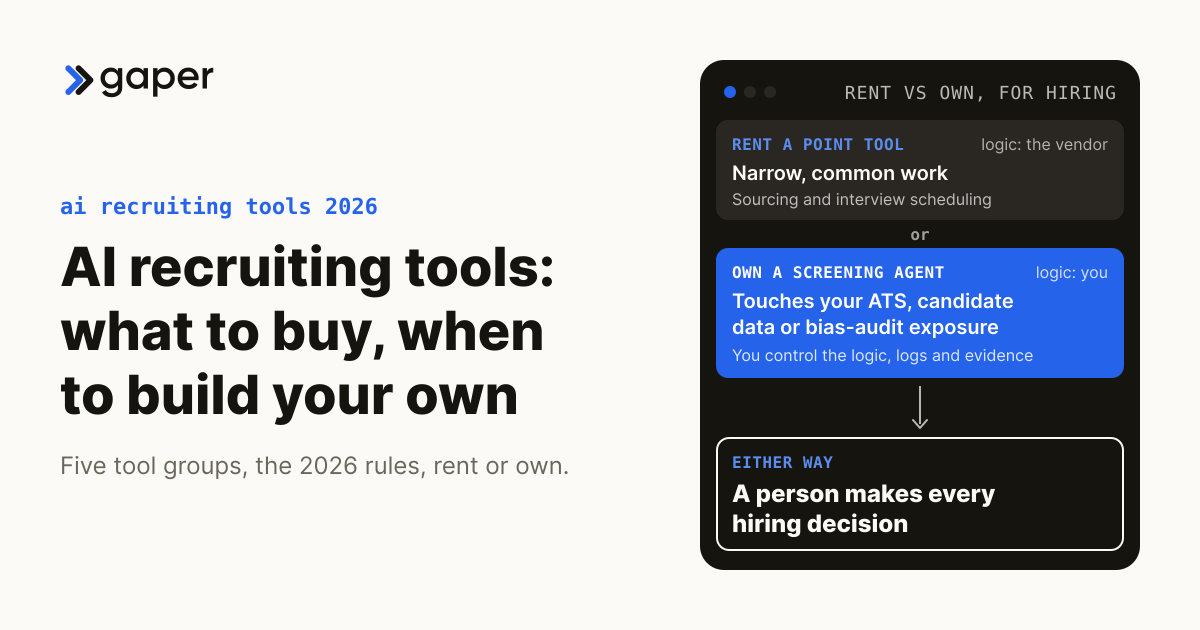
Our legal AI agents page already answers "Should we build a custom AI agent or just buy Harvey or CoCounsel?" The Rent-vs-Own test frames everything else: rent a point tool for narrow, common work, and own a supervised agent when the work touches your systems of record, client data or risk. The table covers cases that answer does not.
| Your situation | Usually | Why |
|---|---|---|
| Redlining one agreement at a time in Word | Buy | Add-ins fit how transactional lawyers already work |
| A workflow across document system, docket, billing and email | Build | No product listed here claims all four |
| Retrieval that must honor ethical walls per user, per query | Build, or make the vendor prove it | The check has to sit inside retrieval |
A build can run a commercial model in your own cloud account, or an open-weight model that Gaper fine-tunes and self-hosts for you. Either changes who holds the data; neither settles privilege. Gaper is the AI-native implementation partner that deploys supervised AI agents you own. Part of that job is saying when a subscription is the better answer. To compare three years of per-seat licensing with a build at your seat count, use the legal AI cost calculator; for the framework beyond law, see build vs. buy for AI agents.
What should a firm do first?
Start with what you already pay for. List the AI features in your research subscription, practice management system and Microsoft or Google license, and switch on only those that pass the seven vendor questions.
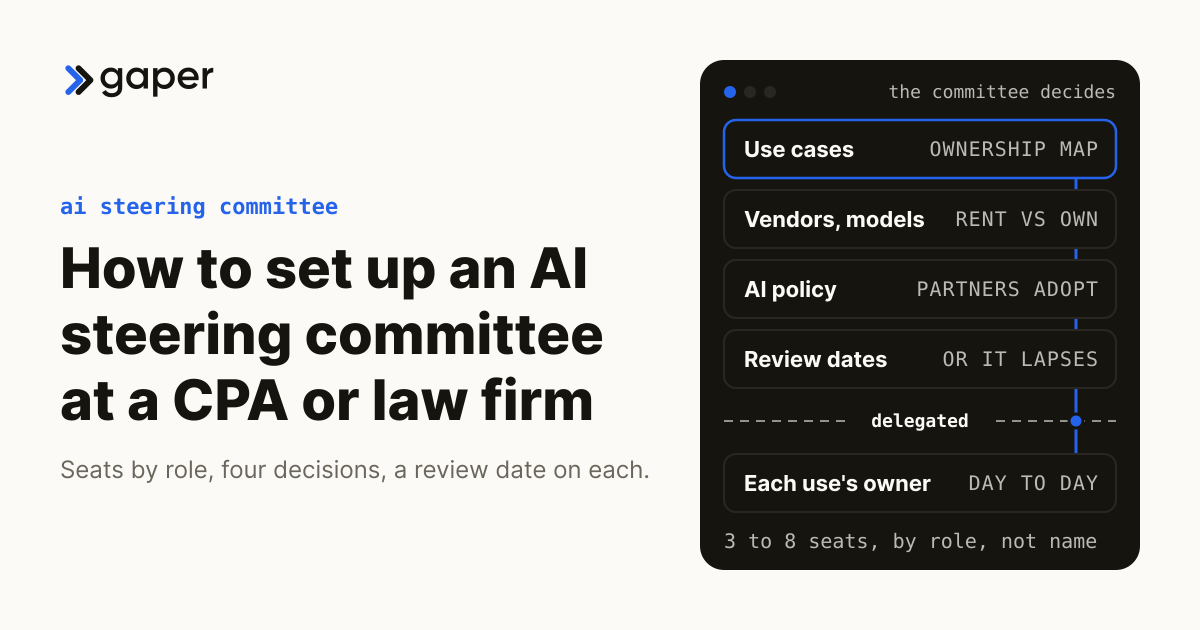
Next, name one owner with authority over approved tools, the AI policy and vendor contracts. Our AI steering committee guide covers the committee behind that person, and a fractional Chief AI Officer, which Gaper provides, can fill the role before a full-time hire makes sense.
Then pick one practice group and one closed matter. Have its lawyers answer a sample, run the tool on the same sample, and compare before anyone relies on the output.
Thirty minutes, no commitment. We map one workflow, make the build or buy call, and scope the smallest thing worth shipping.
Frequently asked questions
What are the main categories of AI tools for law firms?
What should you ask every legal AI vendor before client data goes in?
What do legal research and drafting assistants actually do?
How should a firm choose a contract review tool?
Where does AI fit in e-discovery?
What can intake and practice management AI do on its own?
Should a firm just use Microsoft Copilot or Gemini?
Where do off-the-shelf tools stop?
What should a firm do first?
Ready to turn AI into execution?
Book a free assessment of one workflow. We map it, make an honest build versus buy call before any code, and if an off the shelf product covers the job we will tell you so.